> For the complete documentation index, see [llms.txt](https://whitepaper.ethereumtowers.com/llms.txt). Markdown versions of documentation pages are available by appending `.md` to page URLs; this page is available as [Markdown](https://whitepaper.ethereumtowers.com/metaverse-companion-app/avatar-creation.md).
# Avatar Creation
### Avatar Solution
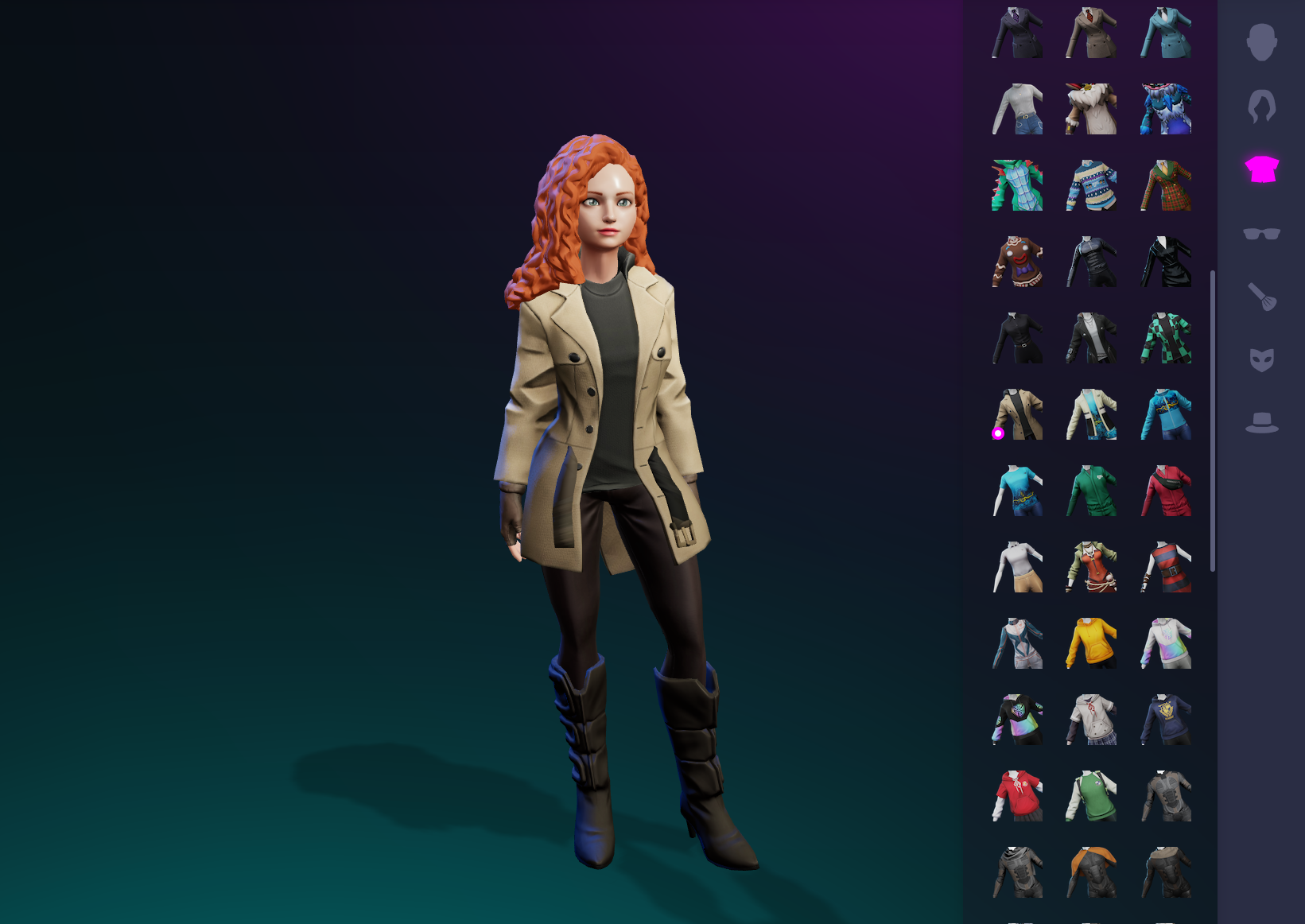
In order to continue the non-gaming narrative, Ethereum Worlds has chosen to use human avatars to digitally represent users within the Metaverse. This is powered by Ready Player Me, a **leading avatar solution**, giving every user an array of customization options to help further craft their Metaverse identity. This avatar will be visible to others throughout the Ethereum Worlds platform.
Ready Player Me Advertisement
### Upgraded Avatar Engine
Ready Player Me is **free for everyone** to use and is interoperable across 1000's of different Metaverses and virtual worlds, making it accessible to all. It generates a digital version of you from a chosen image and gives multiple aesthetic options (e.g. clothes, hairstyle) for your avatar to wear and embody.
Courtesy of our friends over at Ready Player Me (RPM), the Ethereum Worlds in-world avatar engine has been upgraded resulting in a much faster and improved experience.
Are you ready for the Metaverse? Start by creating a free avatar using the Ethereum Worlds *Ready Player Me* avatar engine (link provided below):
{% embed url="" %}
Ready Player Me - External Link
{% endembed %}
Upgraded Avatar Engine
Read more about the partnership with Ready Player Me in a previous article hosted on the official Ethereum Towers Medium platform:
{% hint style="info" %}
Read more:
{% endhint %}
.jpeg?alt=media&token=71b700b5-e6e2-4489-b7d3-f8608c913c73)